

Implementation, Training, and Support
Access deployment guidance, onboarding tools, training materials, troubleshooting content, and support contacts to ensure the successful adoption and ongoing performance of our tax technology solutions.
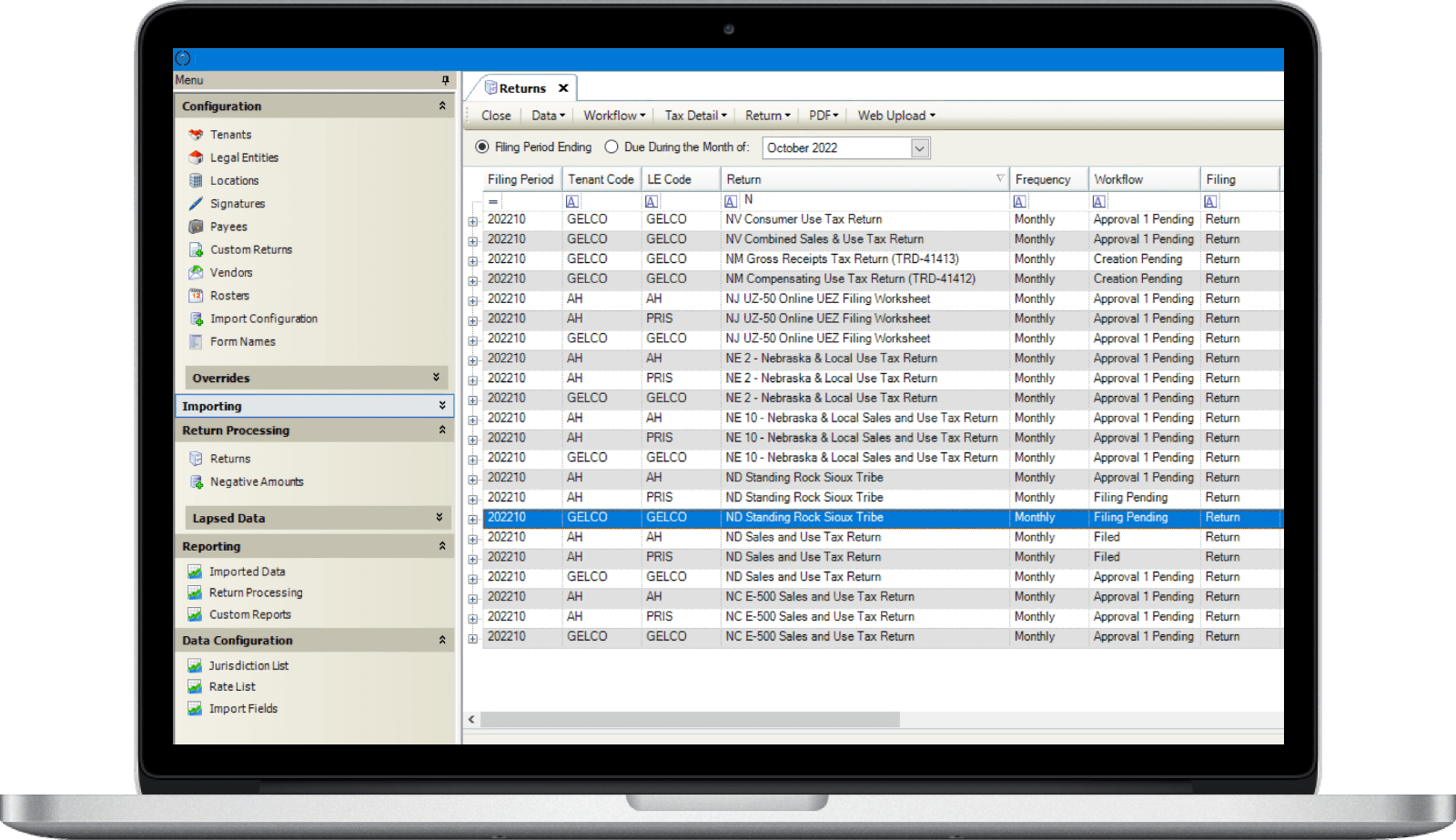
Implementation Resources
Enable Seamless Deployment and Confident System Adoption
Implementation ResourcesStreamline development and data migration to ensure secure, multijurisdictional business tax success.
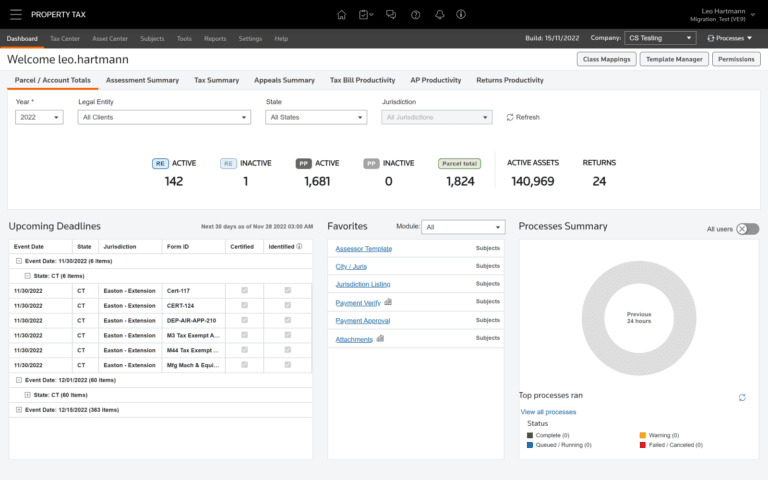
Environment Setup Requirements
Review system prerequisites, configuration steps, and technical specifications to ensure your infrastructure meets requirements for seamless implementation and optimal performance.
Integration and Data Migration Guidance
Connect our technology to enterprise resource planning (ERP), accounts payable, or financial platforms through step-by-step integration instructions, and reliably import historical data using migration frameworks and validation tools.
Role Setup and User Provisioning
Assign roles, permissions, and security configurations during deployment to ensure appropriate access levels across your business while maintaining data integrity and compliance controls.
Training Resources
Equip Every User with the Knowledge to Succeed
Training ResourcesMaster our tax technology with on-demand, role-based training tools.
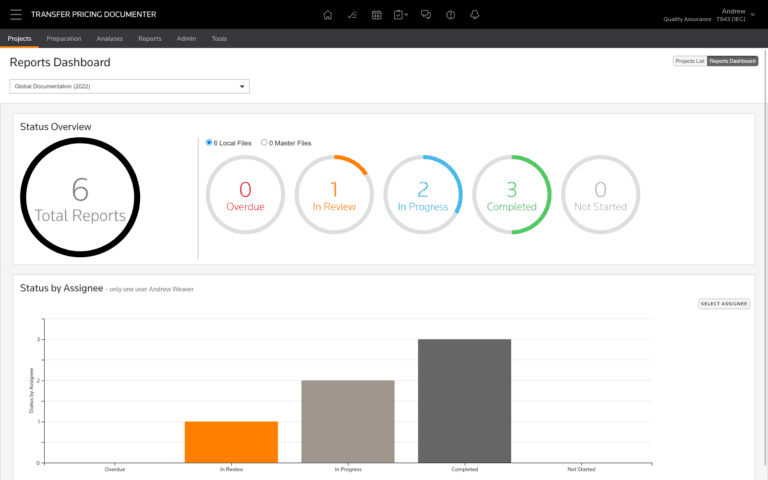
On-Demand Learning Library
Access video tutorials, quick-start guides, and scenario-based examples that demonstrate core functionality and best practices for common workflows and business situations.
Role-Based Training Paths
Complete content tailored for administrators, analysts, and reviewers, ensuring each user receives relevant instruction matched to their specific responsibilities and system access levels.
Knowledge Articles
Follow step-by-step instructions for common tasks and workflows, including detailed procedures for routine operations, troubleshooting guidance, and configuration options.
Support Resources
Expert Assistance to Maintain Performance and Stability
Support ResourcesResolve issues quickly with expert support and real-time updates.
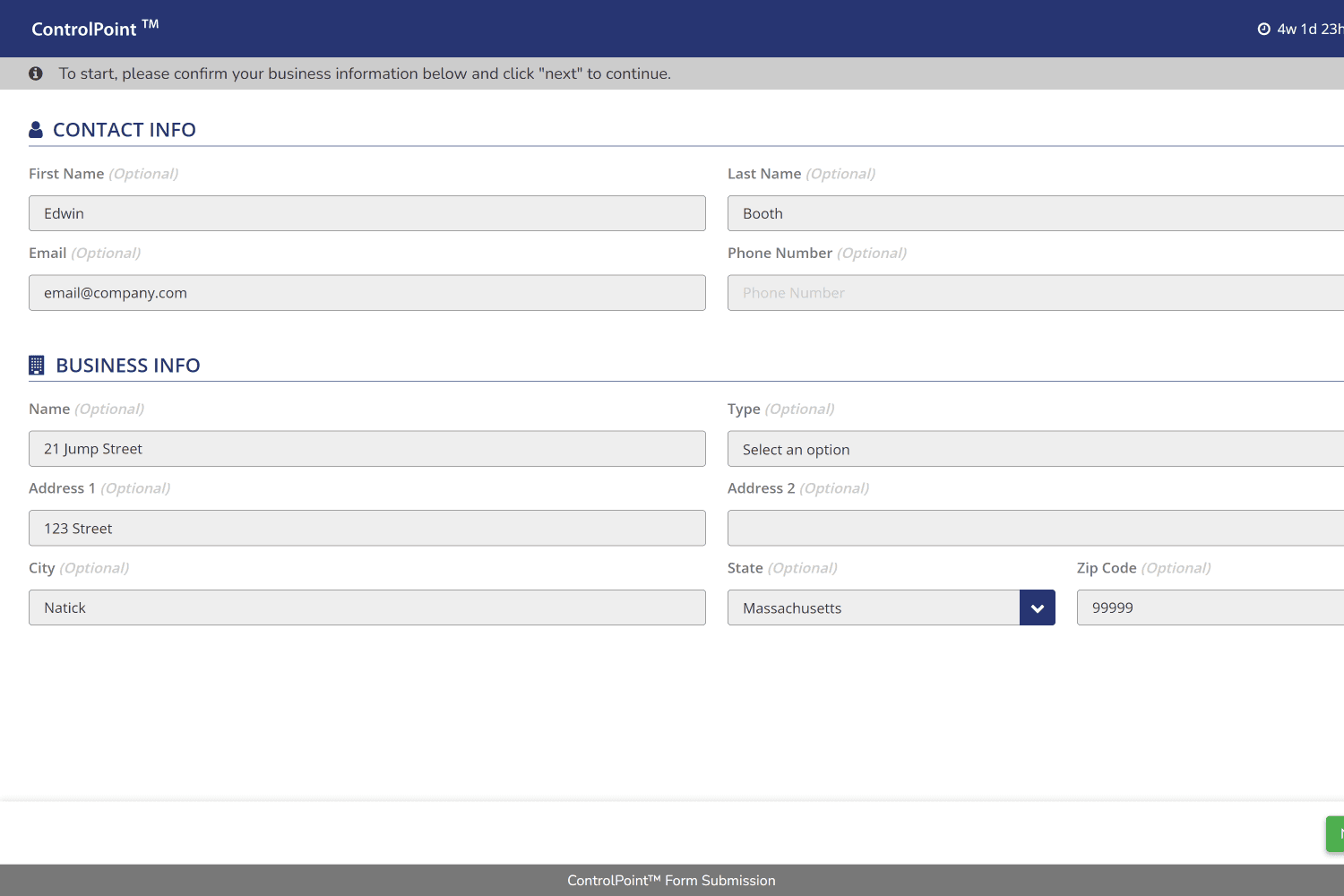
Troubleshooting Guides and Self-Service Help
Access step-by-step resolutions for common issues, errors, and system questions through searchable documentation that addresses frequently encountered scenarios and their solutions.
Support Ticketing and Issue Resolution
Submit tickets through the support portal to receive assistance from technical specialists, track progress on open issues, and review resolution history for your organizationʼs cases.
Product Updates, Release Notes, and Maintenance Notices
Stay informed about platform enhancements, bug fixes, and scheduled maintenance through regular communications.
More Insights
VIEW ALL INSIGHTS


Request a Demo